
What is Reconnect?
Reconnect is a personal CRM app demo for keeping relationships warm without relying on memory. Users add contacts, choose a reconnect frequency, log conversations, and sort by who is most overdue for a follow-up.
Key features of Reconnect
The app includes contact creation, editing, deletion, phone and email fields, notes, last-touch dates, overdue status, upcoming follow-ups, total-contact stats, and interaction history. It is a practical relationship management app for personal outreach.
How Reconnect was built
The source uses a React frontend with AppDeploy backend endpoints for contacts, contact interactions, and stats. Contact records and interaction notes are stored in database tables, and the UI refreshes dashboard counts after each outreach update.
Prompt used to build Reconnect
Build a personal CRM. Let me add contacts with name, phone, email, and a 'reconnect frequency' (e....g., every 2 weeks, monthly, every 3 months). Sort the list by who's most overdue for a reconnect. When I mark someone as 'contacted', save the date and let me add a note about what we talked about. Show a simple dashboard — how many contacts are overdue, upcoming this week, and total. I should be able to access it from both my phone and my laptop.
Live Reconnect demo
Open the live Reconnect appSee more Productivity apps
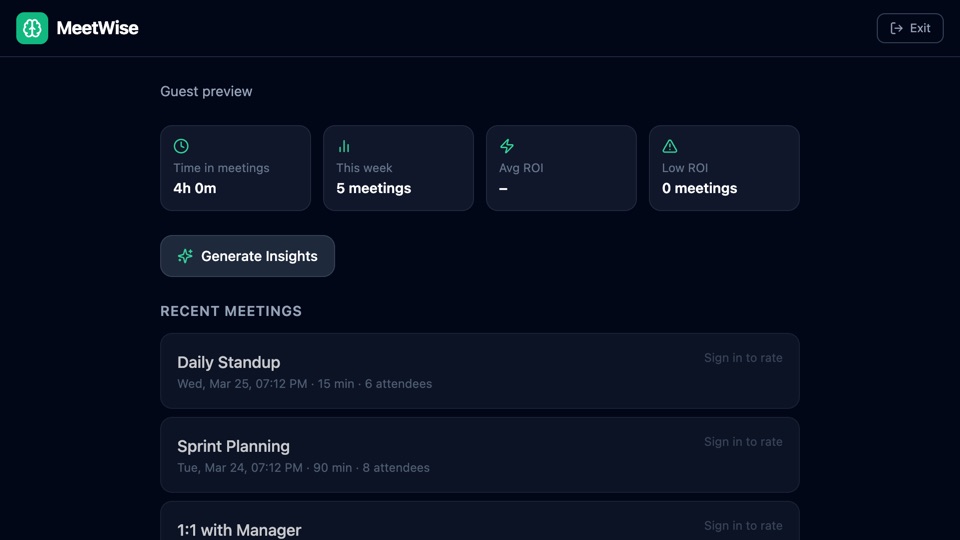
MeetWise
Meeting analytics app that connects to Google Calendar, tracks meeting time and cost, gathers post-meeting feedback, and generates AI weekly insights for better planning.
"AppDeploy a meeting tracker that connects to my Google Calendar, calculates how much time and money is spent in meetings, collects feedback after each one, and gives me an AI weekly summary."
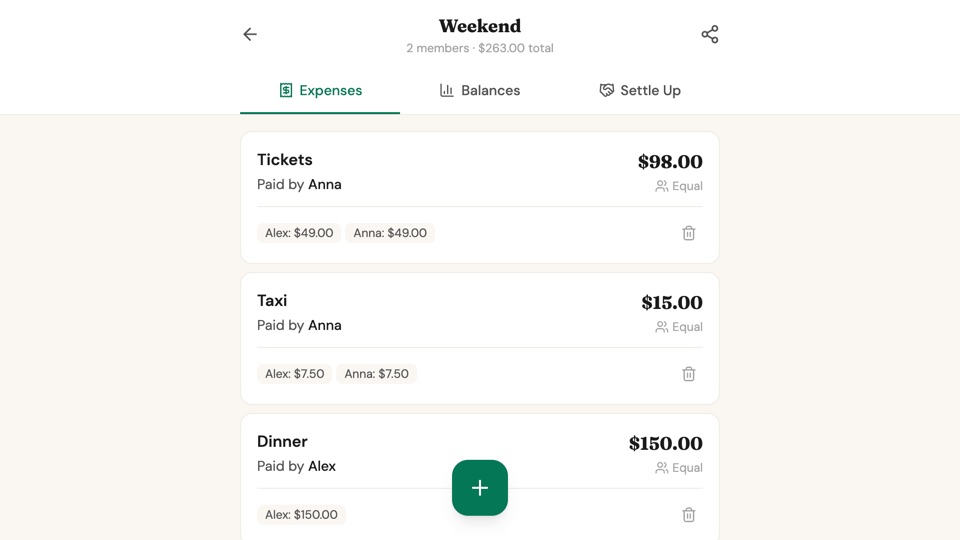
SplitEase
Group expense splitter for trips and shared events, with live balance updates, flexible split methods, settle-up recommendations, and progress tracking until everyone is even.
"Create an expense splitter app for groups. Users create an event like a trip or dinner and share a unique link (per event) with friends. Everyone can add expenses from their own device. Each expense has a description,..."