
What is SplitEase?
SplitEase is a group expense splitter app demo for trips, dinners, and shared events. It lets a group create an event, add expenses from different devices, and see who owes whom without juggling a separate spreadsheet.
Key features of SplitEase
The app supports event links, members, equal, custom, and percentage splits, balance tabs, settle-up recommendations, deleted expenses, marked settlements, and progress toward everyone being even. Real-time updates help shared groups stay aligned.
How SplitEase was built
The source uses React Router pages and AppDeploy backend routes for events, members, expenses, settlements, and entity subscriptions. The backend stores group records and expense records while the frontend calculates balances and renders the settle-up flow.
Prompt used to build SplitEase
Create an expense splitter app for groups.... Users create an event like a trip or dinner and share a unique link (per event) with friends. Everyone can add expenses from their own device. Each expense has a description, amount, who paid, and how it is split - equal, custom, or by percentage. The app shows who owes whom and keeps a running balance for each person. It also shows a simple settle up view that tells people who should pay who to get even. Users can mark payments as settled and see the group progress toward being fully settled. Use a clean, mobile first UI with tabs for expenses, balances, and settle up. All data should stay in sync so everyone always sees the latest state when they use the app.
Live SplitEase demo
Open the live SplitEase appSee more Productivity apps
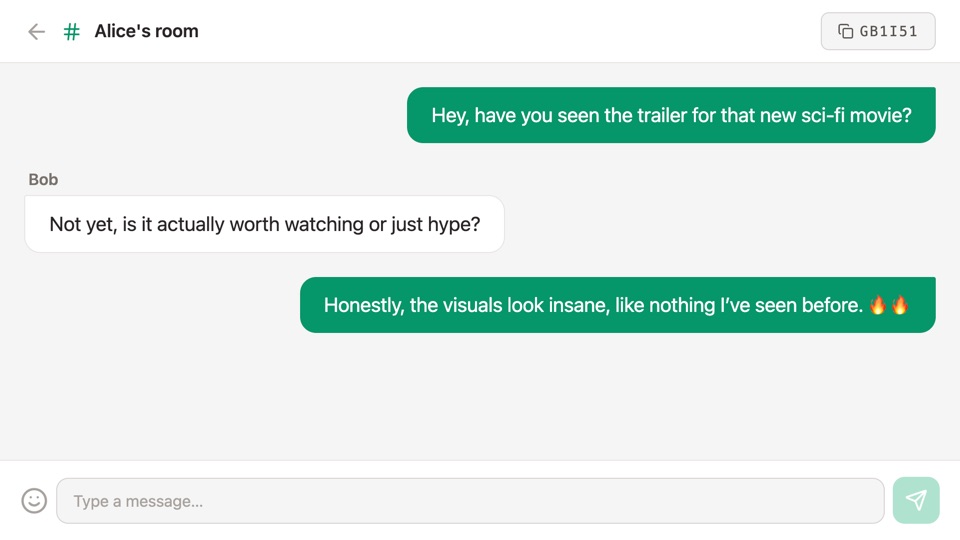
ChatRooms
Simple real-time chat app where users can create or join rooms and send messages, including emojis.
"@AppDeploy a simple real-time chat app where users can create or join rooms and send messages, including emojis."
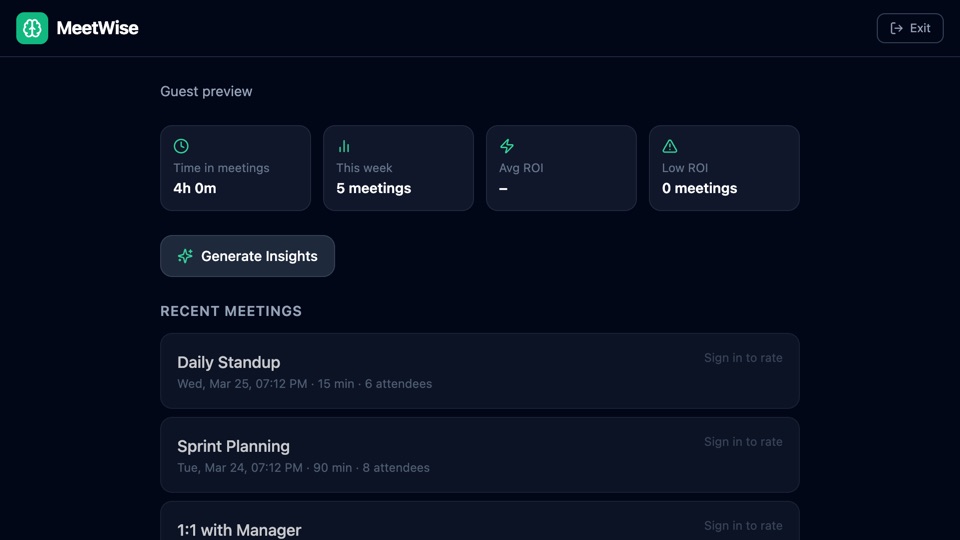
MeetWise
Meeting analytics app that connects to Google Calendar, tracks meeting time and cost, gathers post-meeting feedback, and generates AI weekly insights for better planning.
"AppDeploy a meeting tracker that connects to my Google Calendar, calculates how much time and money is spent in meetings, collects feedback after each one, and gives me an AI weekly summary."