
What is NativeTalk?
NativeTalk is a multilingual messaging app demo for people who want conversations to feel natural across different languages. It demonstrates an AI translation chat app with email sign-in, contacts, preferred-language settings, and persistent conversation history.
Key features of NativeTalk
Users can create a profile, choose a language, add contacts by email, start conversations, send messages, and read each thread in their own preferred language. The layout adapts from desktop split panes to a simpler mobile chat experience.
How NativeTalk was built
The source includes AppDeploy auth-aware backend routes for profiles, contacts, conversations, messages, message deletion, and real-time subscriptions. It stores translations for supported languages and ships a React frontend that coordinates settings, contact lists, conversation lists, and chat panes.
Prompt used to build NativeTalk
AppDeploy a web app called NativeTalk.... NativeTalk is a messaging app for users who speak different languages. It should let users chat naturally while the app translates messages. Required functionality: 1. Authentication - Show a sign-in screen with a green "Sign In" button. - Support email-based sign-in. - After sign-in, move to the main app screen. 2. Profile and settings - Each user has: - Display name - Preferred language - In Settings, allow updating display name and language. 3. Supported languages - English (en) - Spanish (es) - Hebrew (he) - Russian (ru) - Tamil (ta) - Sinhala (si) - Thai (th) 4. Contacts - Add contacts by email. - Show contacts list. - Start conversations from contacts. 5. Chat layout and behavior - Desktop: left panel shows conversation list, right panel shows selected chat. - Mobile: responsive single-column behavior is fine. - Allow sending and receiving messages. - Persist conversation/message history. 6. Translation - Detect message language. - Store and return translations for all supported languages. - Show each user messages in their preferred language.
Live NativeTalk demo
Open the live NativeTalk appSee more Productivity apps
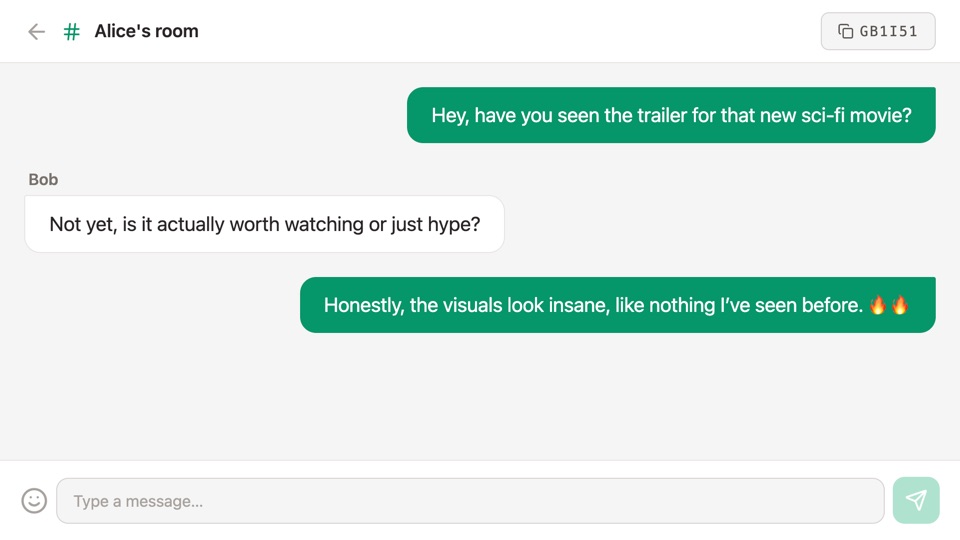
ChatRooms
Simple real-time chat app where users can create or join rooms and send messages, including emojis.
"@AppDeploy a simple real-time chat app where users can create or join rooms and send messages, including emojis."
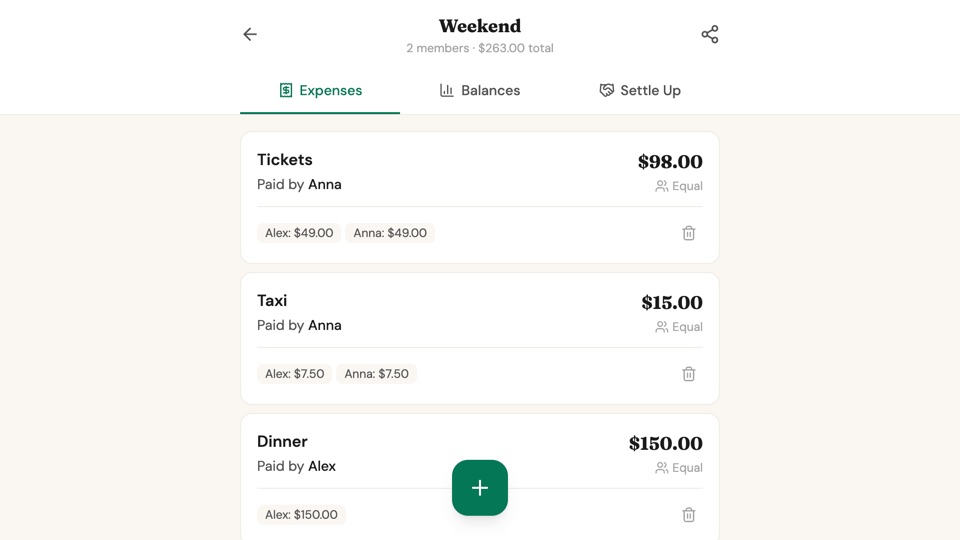
SplitEase
Group expense splitter for trips and shared events, with live balance updates, flexible split methods, settle-up recommendations, and progress tracking until everyone is even.
"Create an expense splitter app for groups. Users create an event like a trip or dinner and share a unique link (per event) with friends. Everyone can add expenses from their own device. Each expense has a description,..."