
Deploy apps from Codex App - setup guide
This guide shows how to connect AppDeploy to Codex App so you can deploy apps from chat and get a live URL back.
Follow the steps below to set it up once, then deploy whenever you’re ready, without leaving Codex App.
If you want to install Codex CLI, see the CLI installation guide.
Step-by-step Guide
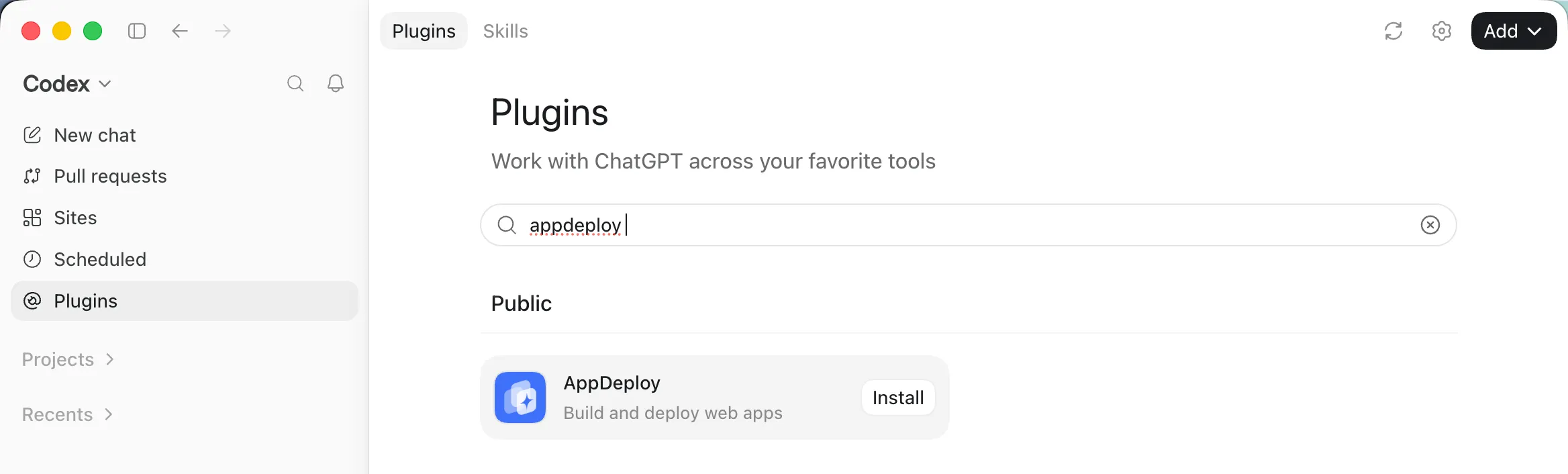
Open Codex App, then click Plugins in the sidebar.
Search for AppDeploy, then click Install.
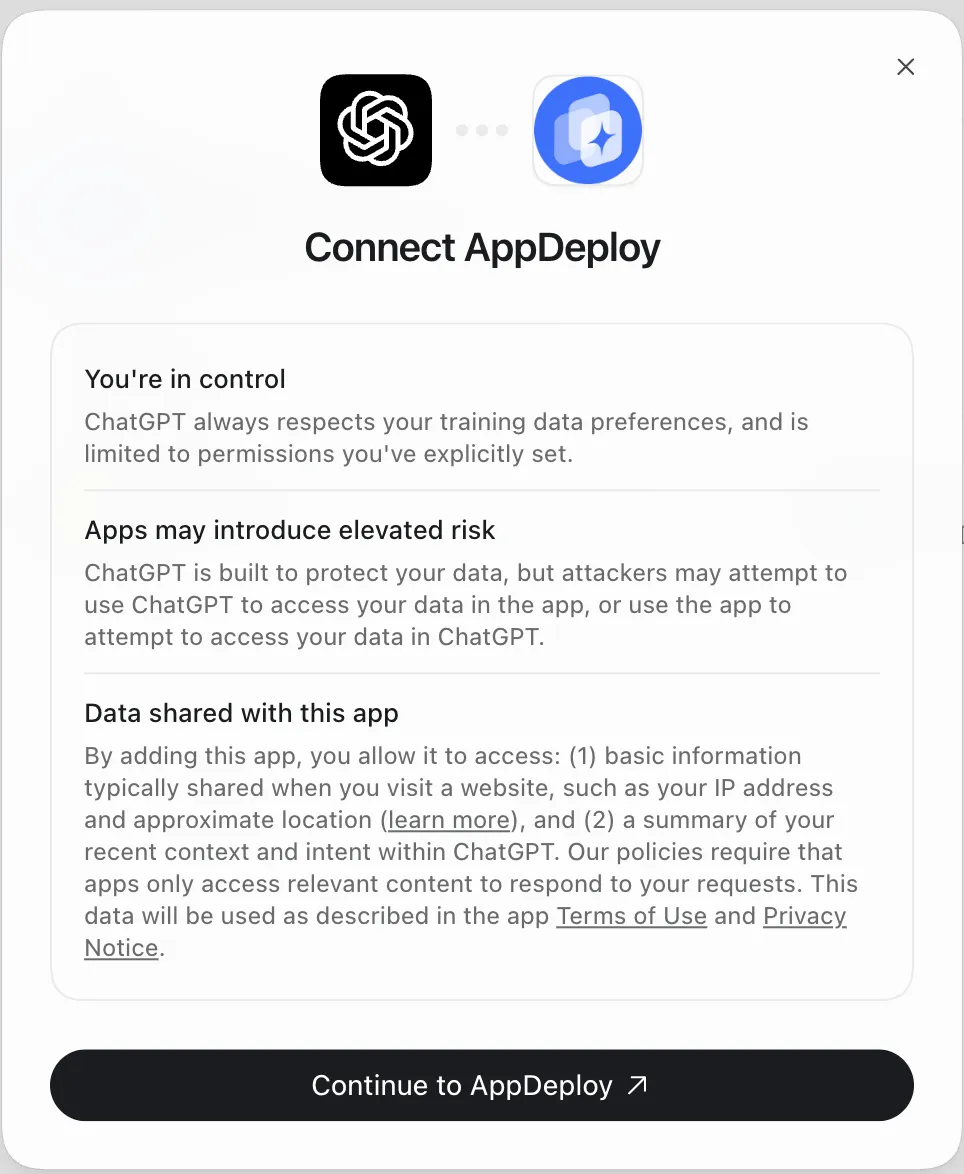
A Connect AppDeploy dialog will open. Click Continue to AppDeploy.
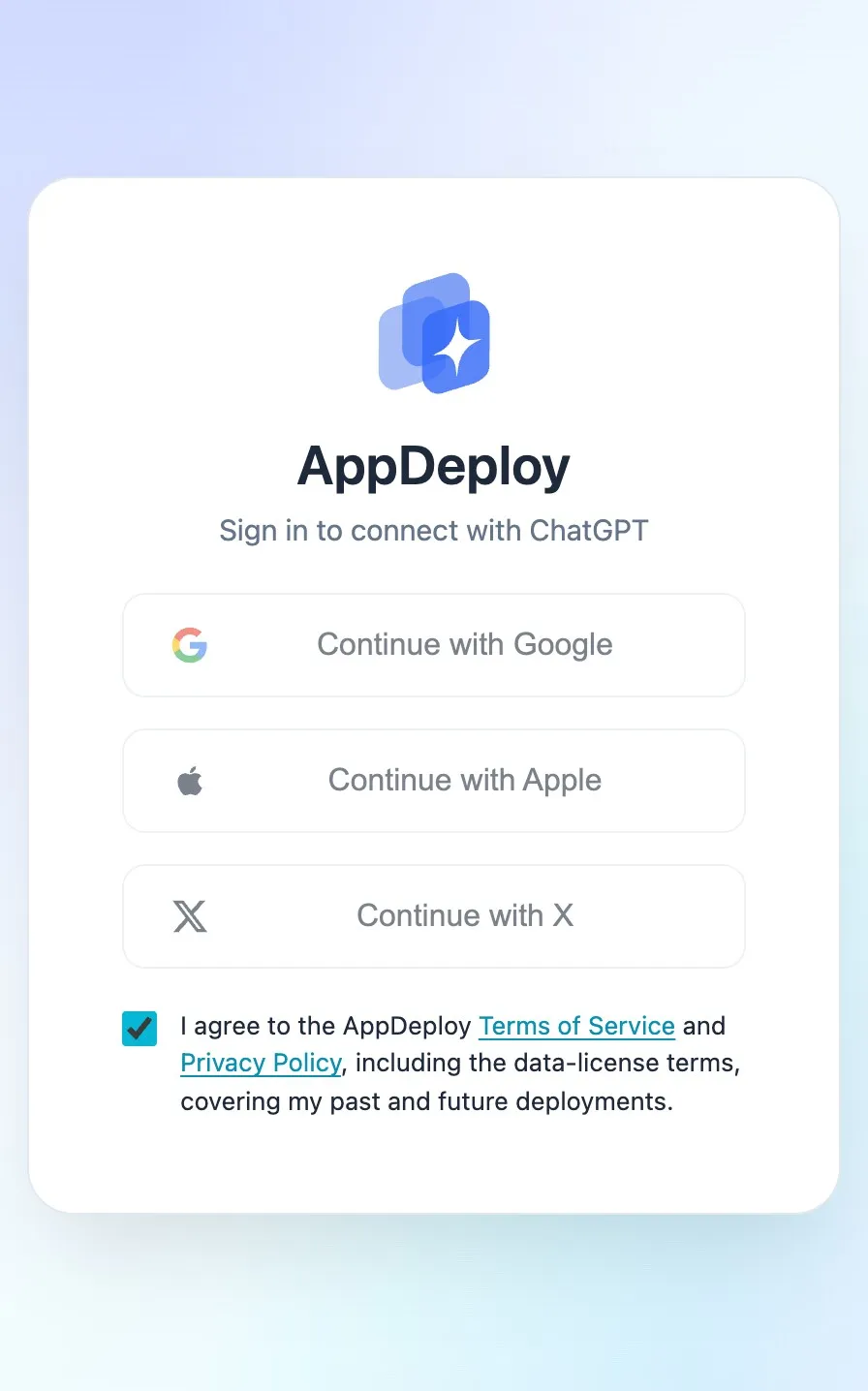
An authentication screen will open. Select how you’d like to sign in to AppDeploy: Google, Apple, or X.
Copy the starter prompt if you’d like to use it, then click Go back to ChatGPT to complete the setup.
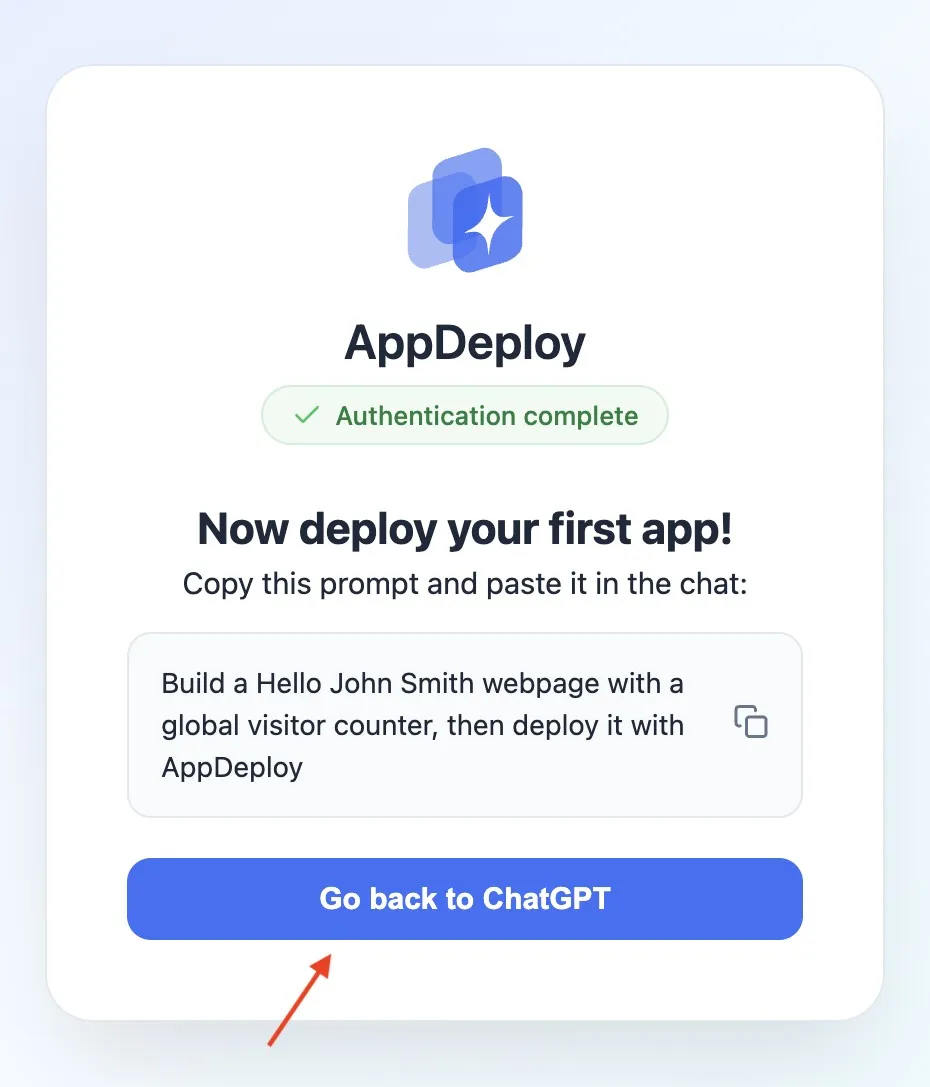
That’s it! You’re all set to deploy your first app.
For example, you can enter the following prompt:
Build a Hello Codex App webpage with a global visitor counter, then @AppDeploy
Need Help?
If you hit an issue, check our troubleshooting guide or contact us at support@appdeploy.ai.