
What is Platformer Quest?
Platformer Quest is a Phaser 3 platformer game demo with a side-scrolling world, coins, enemies, and responsive controls. It is a useful example for anyone searching how to build a browser platformer with AI-generated code.
Key features of Platformer Quest
Players run, jump, collect ten coins, stomp enemies, hear retro sound effects, and win when every coin is collected. The game includes keyboard controls, mobile touch buttons, a HUD, camera follow, animated coins, patrol enemies, and a restart flow.
How Platformer Quest was built
The source is organized into main.ts, BootScene, GameScene, and CSS. It uses Phaser Arcade Physics, generated textures, a 3200-pixel level, camera bounds, collision handlers, Web Audio sound effects, and no external art assets.
Prompt used to build Platformer Quest
Build a 2D platformer game using Phaser 3.... Technical Setup: - Use Phaser.Physics.ARCADE with gravity.y: 1000 - Game resolution: 1280×720, scale mode FIT with CENTER_BOTH - Enable pixelArt: true, roundPixels: true, antialias: false - All sprites must be generated at runtime using Phaser Graphics (canvas-drawn) — no external image assets Sprite Generation (BootScene) Generate all sprites programmatically in a BootScene before starting the game: - Ground tile (48×48): Brown dirt with green grass strip on top, subtle texture spots - Sub-ground tile (48×48): Darker brown dirt texture (underground layer) - Platform tile (48×48): Gray-green stone with bright green moss strip on top - Player (32×40, 4 frames): Blue-shirted character with skin-colored head, brown hair, white eyes, dark blue pants, brown shoes. Frames: idle, walk1, walk2 (alternating leg positions), jump (legs spread). Create walk animation at 10fps and idle/jump single-frame anims - Enemy (32×32, 2 frames): Red angry blob monster with white eyes, angry eyebrows, dark feet. Two frames with slight squish difference for walk animation at 4fps - Coin (24×24): Gold circle with highlight and outline - Use setScale() to size sprites in-game (player 1.8x, enemies 1.6x) — this keeps physics body alignment correct. Do NOT use setDisplaySize as it causes body/visual misalignment Sound Generate retro sound effects using Web Audio API oscillators directly (no audio files): - coin: Square wave, quick ascending two-note chirp (988Hz → 1319Hz) - jump: Square wave, ascending sweep (300→600Hz, 0.12s) - hurt: Sawtooth wave, descending sweep (400→100Hz, 0.35s) - stomp: Triangle wave, descending thud (200→80Hz, 0.15s) - win: Square wave, ascending 4-note fanfare (C5→E5→G5→C6) Wrap all sound in try/catch, check AudioContext state before playing Level Design - World: 3200px wide × 720px tall - Camera follows player smoothly with startFollow(player, true, 0.1, 0.1) and setBounds matching world - Ground: Full-width floor of 48px tiles along bottom row, with a second underground row below - Invisible walls at left and right world edges - 6 floating platforms at varying heights and x-positions across the level (4-6 tiles wide each) - 10 coins scattered on platforms and ground level, with floating tween animation (Sine.easeInOut yoyo) - 3 enemies spaced across the ground Background layers (all using Graphics, behind gameplay): - Gradient sky (light blue → steel blue) - Sun with glow - 7 fluffy clouds (rounded rects layered) - Rolling green hills (ellipses at two depths) - Decorative trees (rect trunk + circle foliage clusters) Player Physics & Controls: - Movement: Arrow keys left/right, velocity 300 - X-drag: 1000 (stops quickly, no ice-sliding) - Jump: Spacebar or Up arrow, velocity Y: -600 - Only jump when body.touching.down || body.blocked.down - Variable jump height: On spacebar release while velocity.y < 0, cut velocity by 50% - Track previous frame's jump state to detect release - Walk/idle/jump animations based on state - Flip sprite with setFlipX based on direction Enemy AI (Goomba Logic) - Enemies patrol horizontally at 80px/s - In update(): check body.blocked.left/right or body.touching.left/right to flip direction - Flip sprite visual to match direction - setCollideWorldBounds(true) Collision Logic: - Player stomps enemy from top: Destroy enemy with squish tween, bounce player up (velocity.y = jump * 0.6), show floating "+100" text that fades up, play stomp sound Player touches enemy from side: Player dies — tint red, disable collisions, launch upward, restart scene after 1.5s delay, play hurt sound HUD Top-left text: "Coins: 0/10" — setScrollFactor(0), depth 100 Font: Arial 28px, white with black stroke (4px) and drop shadow Update on each coin collect Coin Collection On overlap: disable body, play coin sound, tween scale up + fade out + float up (300ms), destroy on complete, increment score At 10/10: show win overlay (semi-transparent black rect, "🎉 YOU WIN! 🎉" pulsing text, "Click to play again"), play win sound Key Phaser Gotcha to Avoid When using generateTexture + setScale, the physics body.setSize(w,h) and body.setOffset(x,y) operate on original texture pixel coordinates, NOT displayed size. Set the body to cover the drawn character area within the texture, and Phaser's scale will handle the rest. Do not use setDisplaySize — it causes the physics body to misalign from the visual sprite.
Live Platformer Quest demo
Open the live Platformer Quest appSee more Games apps
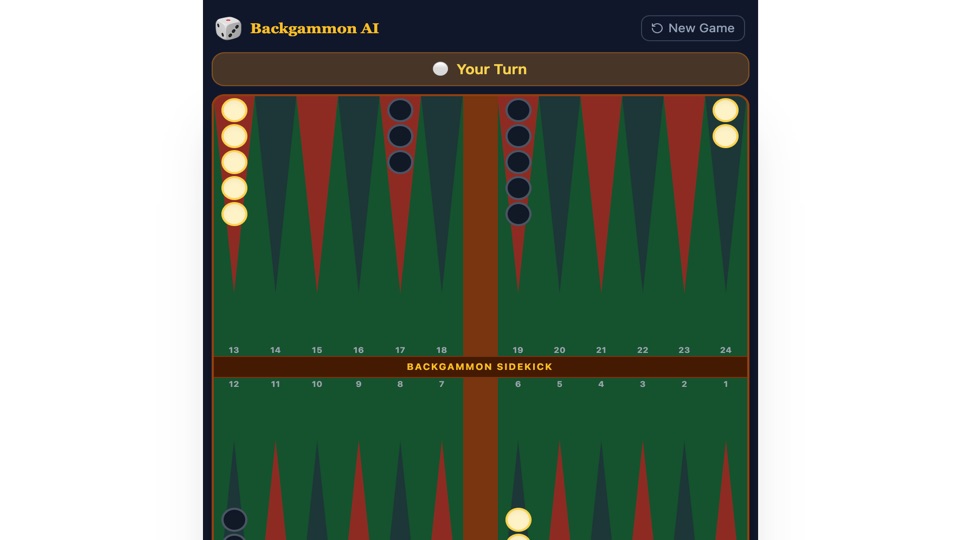
Backgammon AI
A Backgammon Sidekick mobile app with AI recommendations.
"AppDeploy a Backgammon Sidekick mobile app. I keep it open on my phone while playing backgammon to mirror the board and get AI help. The start screen asks who goes first and shows the board blurred in the background. On..."
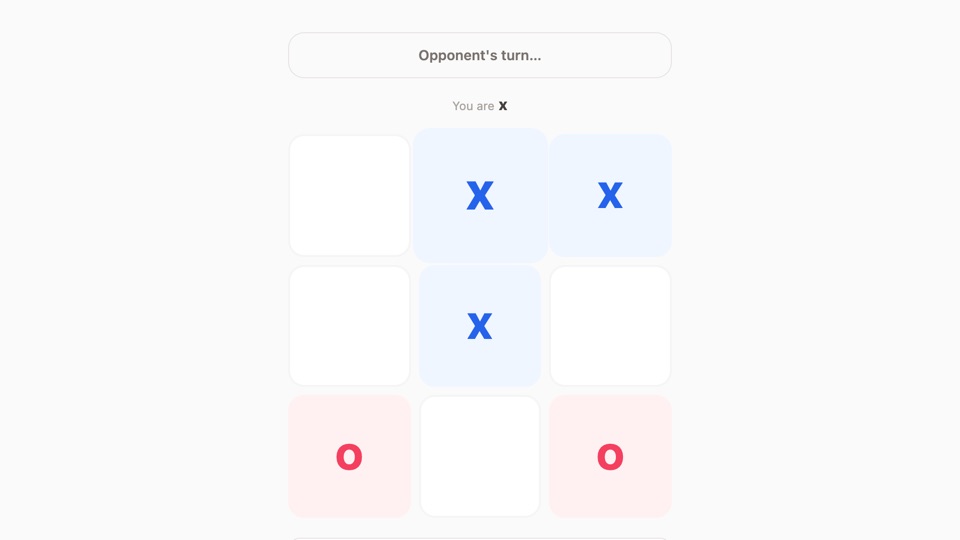
Tic-Tac-Toe
A multiplayer tic-tac-toe game with invite codes for playing with friends in real time.
"@AppDeploy a multiplayer tic-tac-toe game. Players can create a new game and share an invite code with friends in real time. The game syncs in real time so both players see moves instantly. Make it in light theme and..."