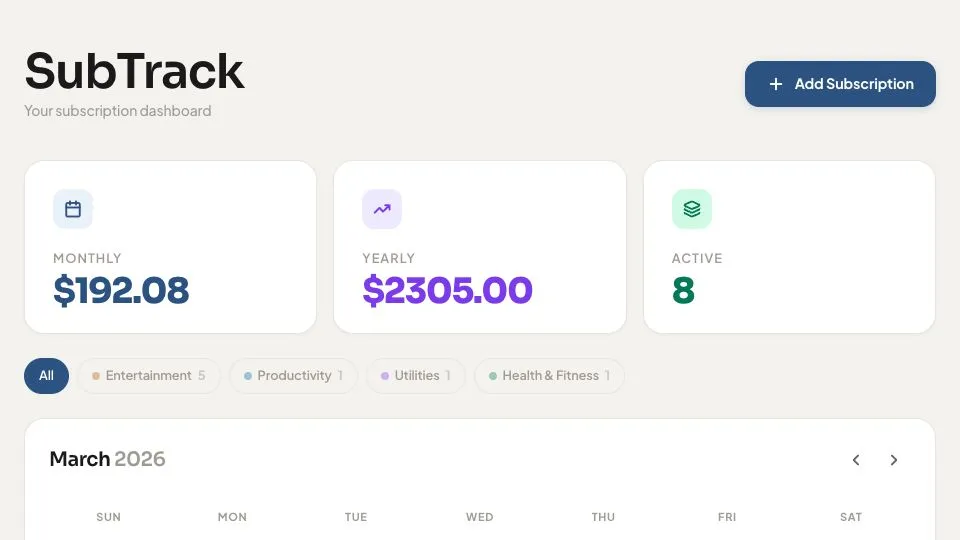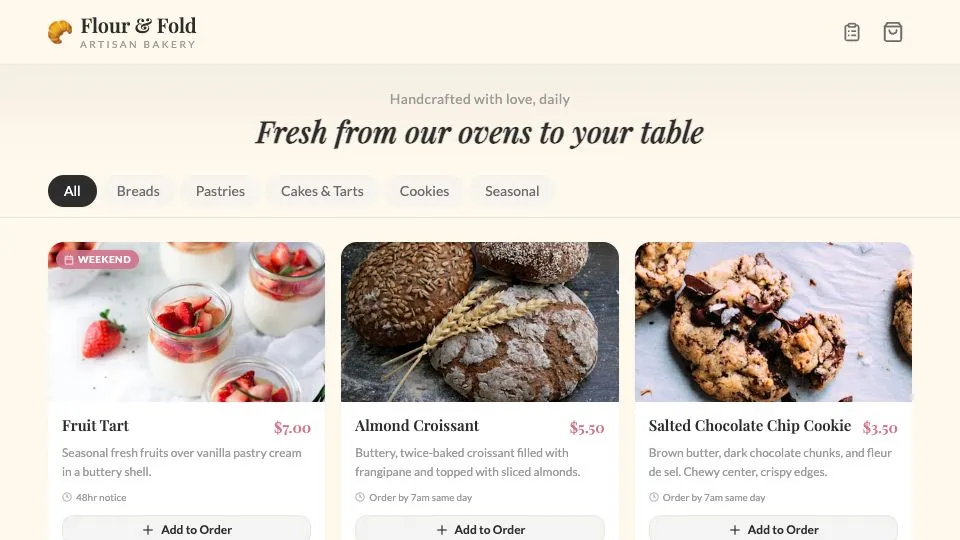
Flour & Fold Bakery
Create a clean local business site with products, contact details, and a pre-order form.
No coding experience needed
Describe what you want. ChatGPT writes the code. AppDeploy makes it live.
Free to try. No credit card required.
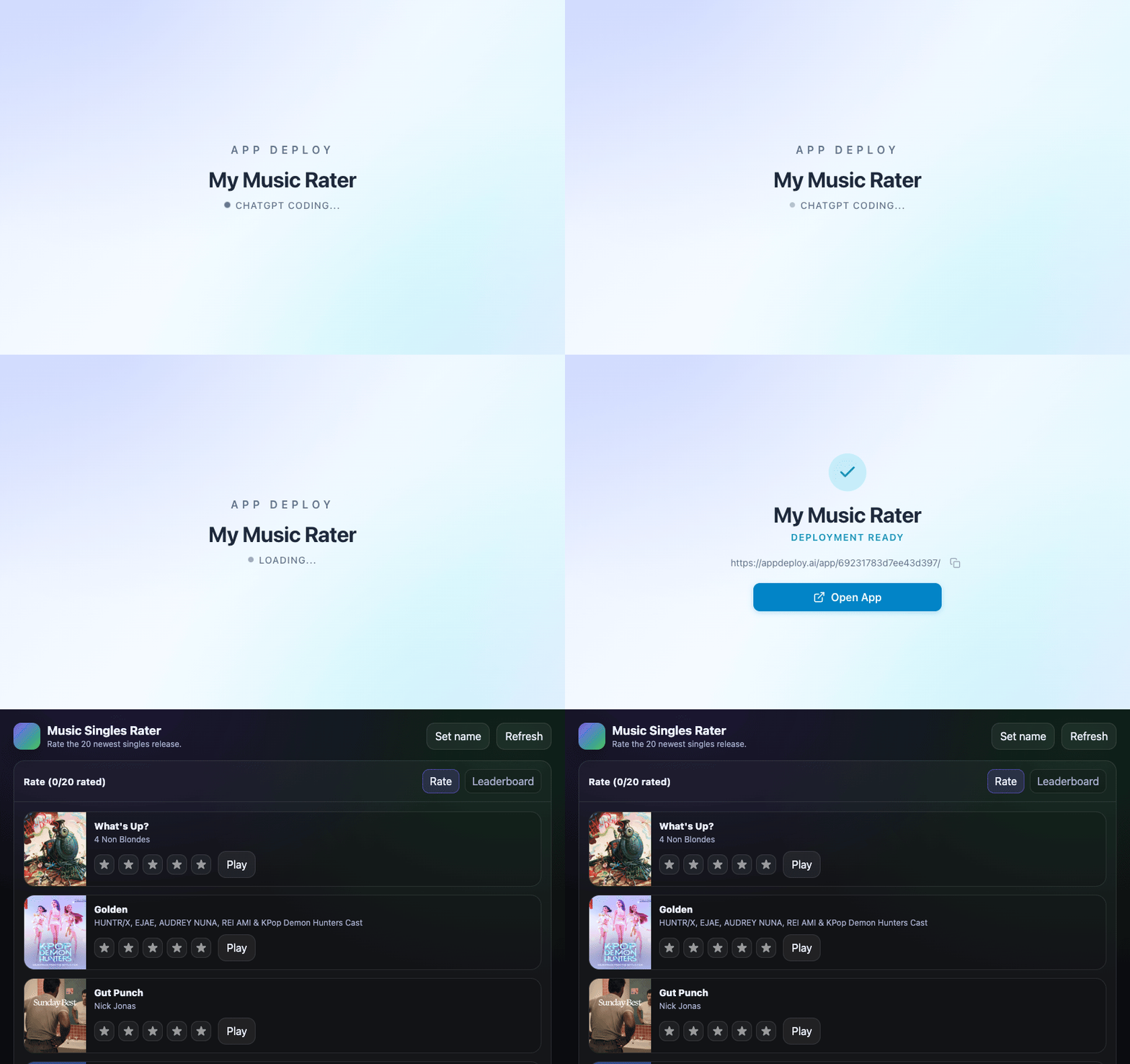
Start with a prompt, then make it your own.
Step 1:
Open ChatGPT, add AppDeploy once, and sign in.
Step 2:
Tell ChatGPT what to build. Use your own words or start with one of the prompts below.
Step 3:
When the app is ready, ChatGPT asks AppDeploy to deploy it and returns a live link you can open and share.
You focus on the idea. AppDeploy gets it online.
Everything needed to get your app live is handled for you automatically.
Set up AppDeploy in ChatGPT once, then describe the app you want to build.
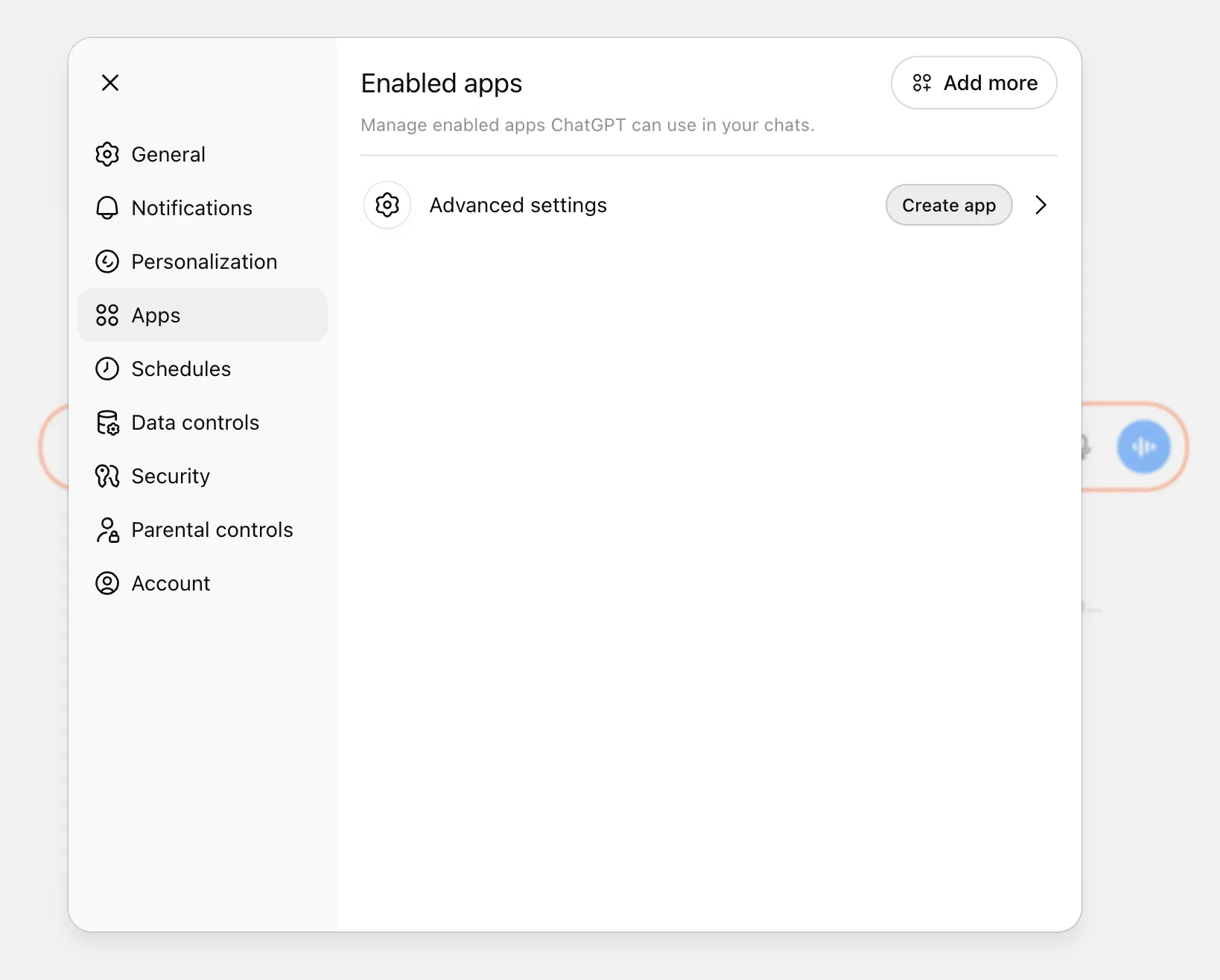
Open chatgpt.com in your browser, click your account name in the bottom-left corner, then open Settings -> Apps.
Or, simply click: https://chatgpt.com/apps#settings/Connectors
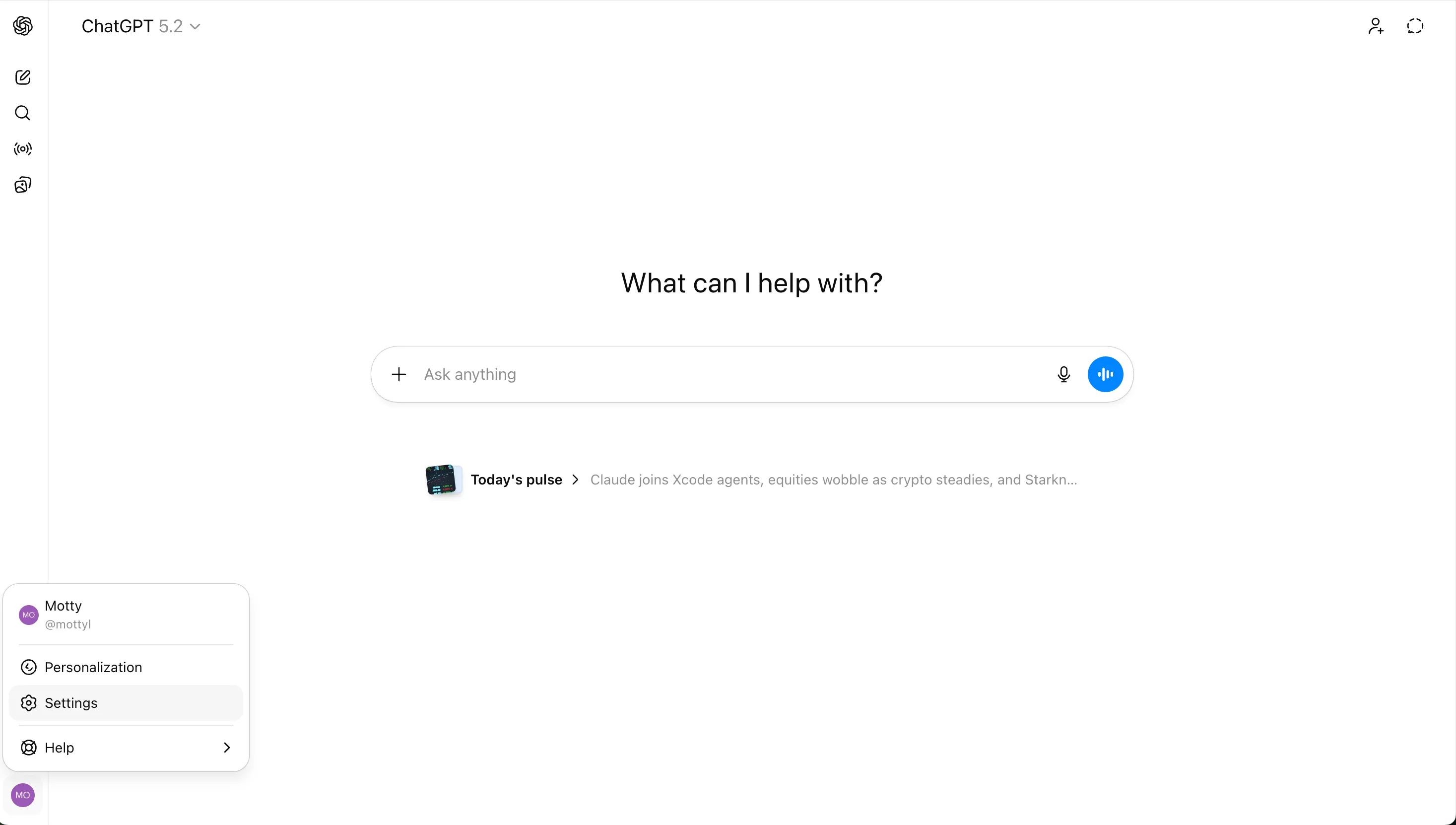
Enable "Developer Mode"
Advanced settings -> Developer mode. Toggle on.
Exact settings path
Settings → Apps → Advanced settings → Developer mode
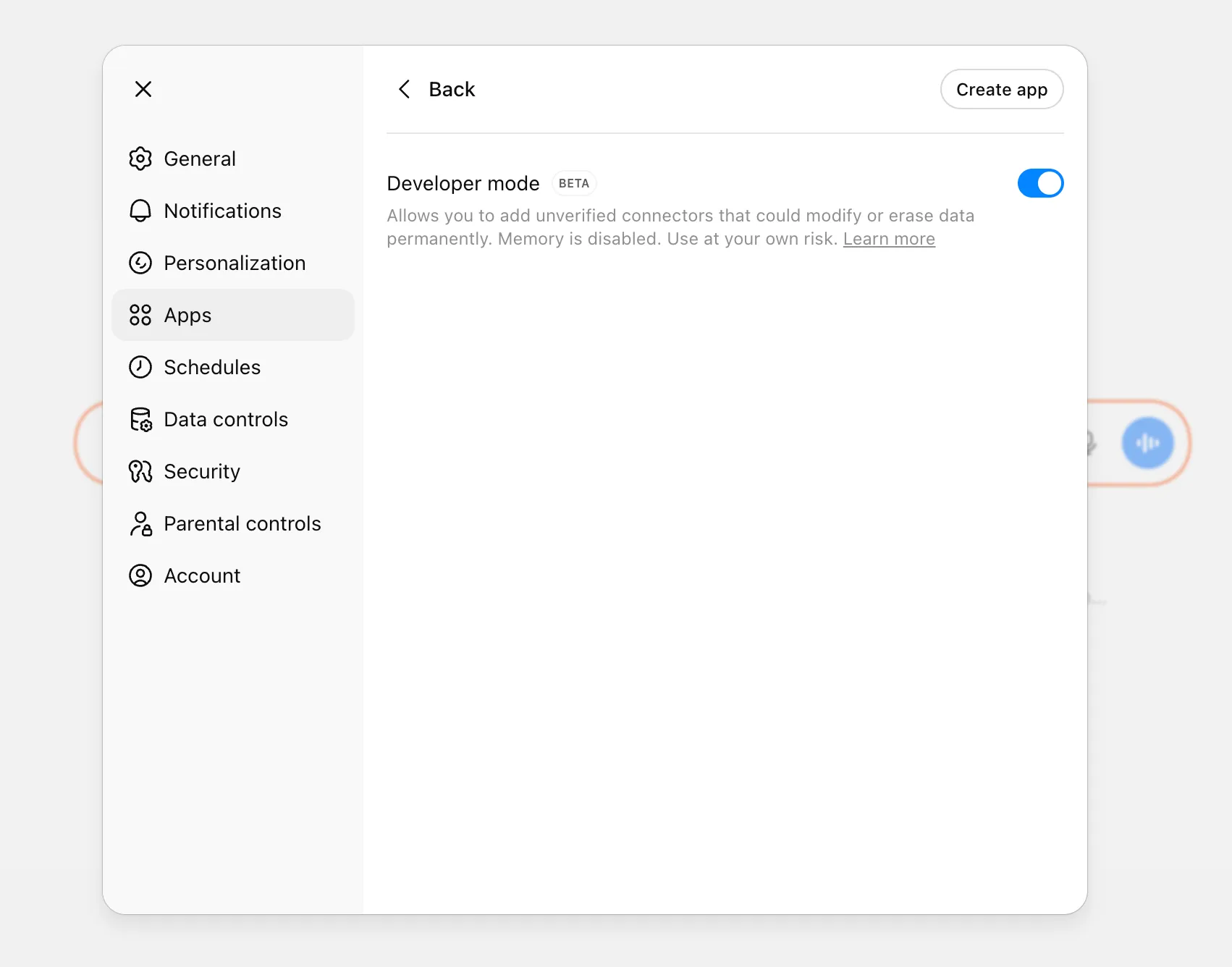
Click "Create app" and enter:
Name:
AppDeploy MCP Server URL:
https://api-v2.appdeploy.ai/mcp 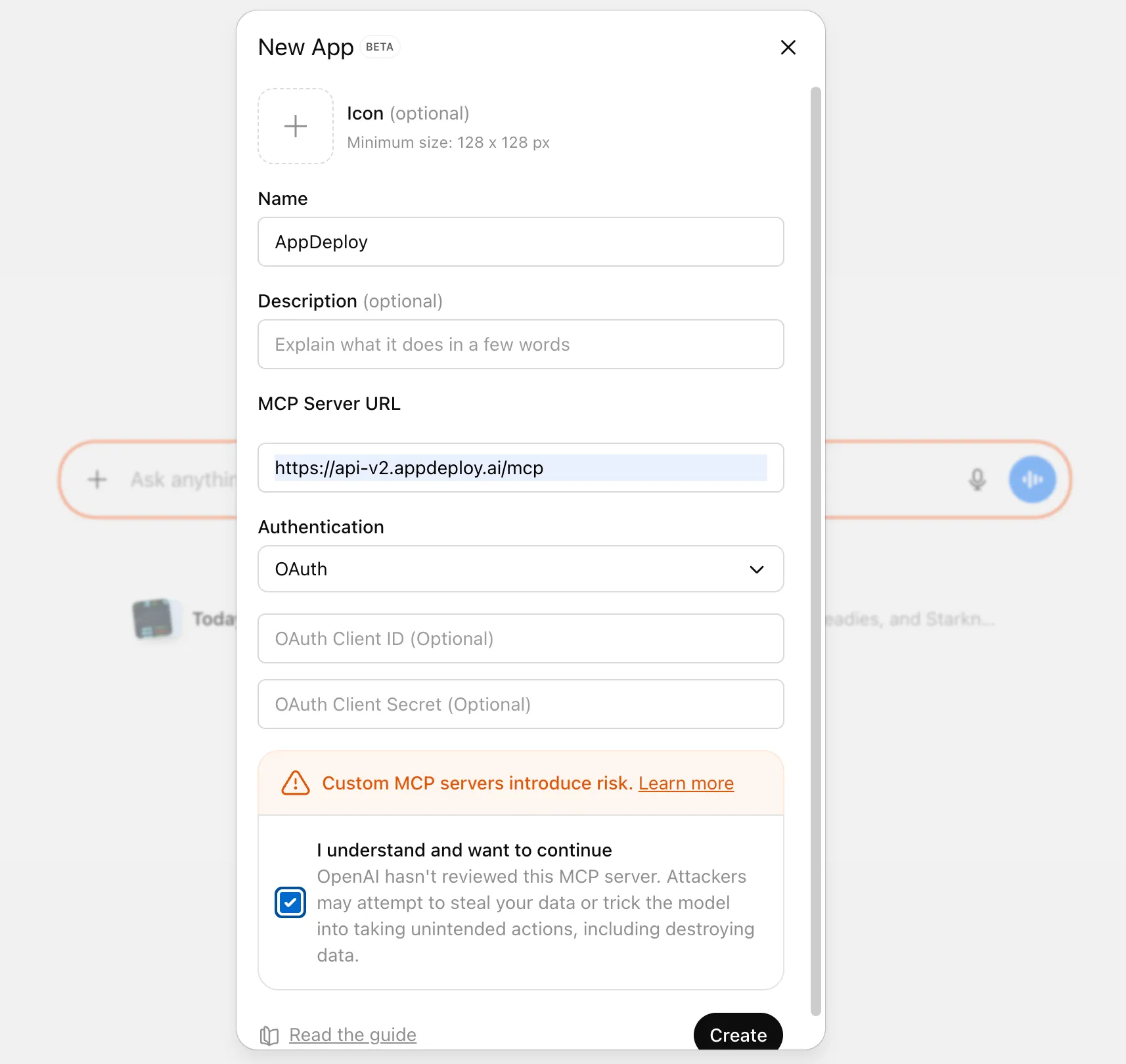
Check the "I understand and want to continue" box and click Create.
Choose how you want to sign in - Google, Apple, X, or as guest.
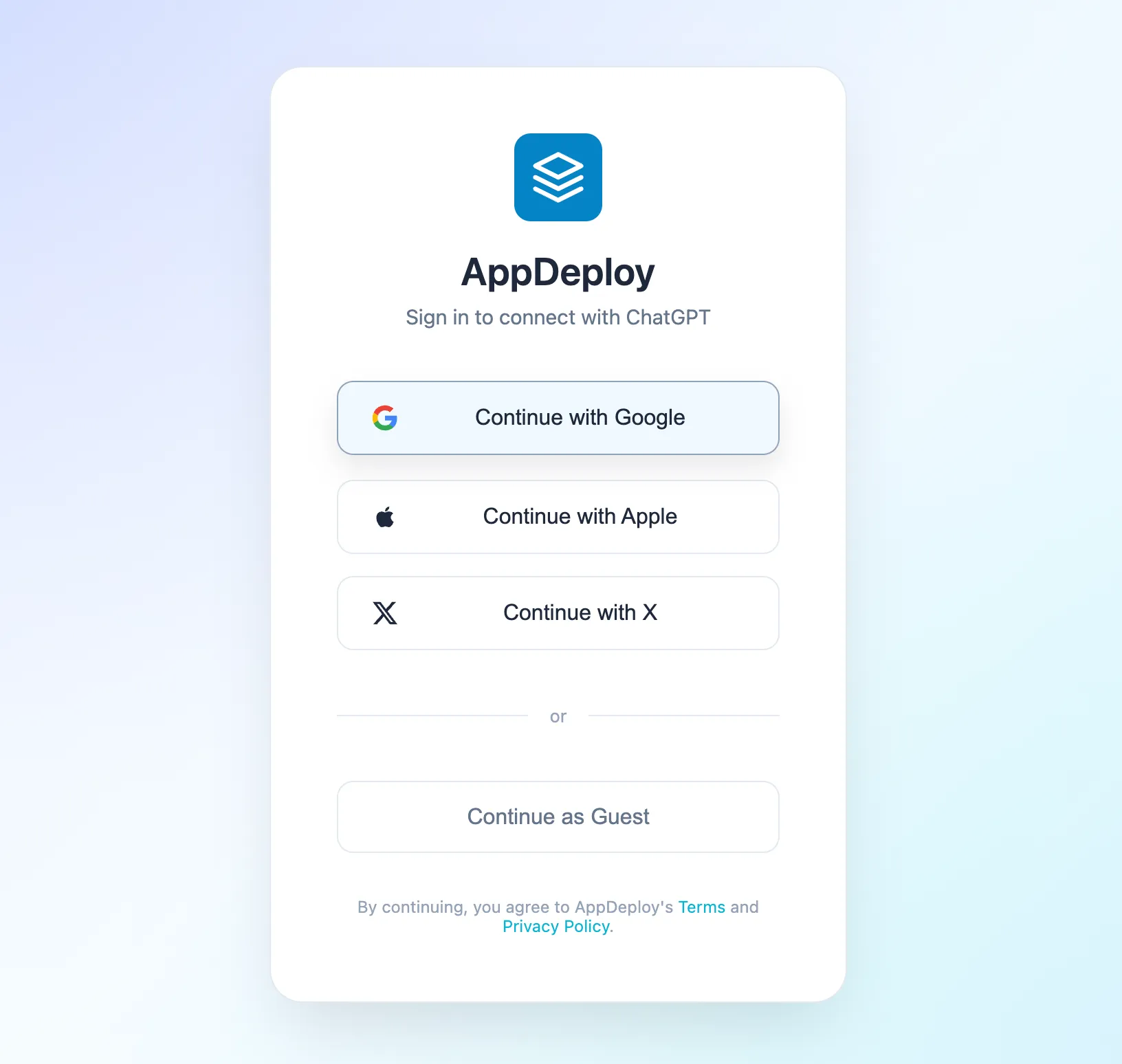
After you sign in, close Settings and describe the app you want to build in the prompt.
AppDeploy only processes what is sent for deployment. It does not pull your broader chat history.
No. If you can describe what you want, you can build and ship.
Yes. You can try AppDeploy for free without a credit card.
No. AppDeploy handles hosting and can set up the backend services your app needs.
Only the files and deployment data needed to build and deploy your app. It does not access your broader chat history.
Do not include secrets such as API keys, passwords, or private tokens.
AppDeploy handles hosting, deployment, and the backend services your app needs to go live. You can focus on the app itself.
Need Claude instead? Visit the Claude page
Set up AppDeploy in ChatGPT once, then start building from chat.
Free to try. No credit card required.